FAB Cardless Cash Withdrawal – Withdraw Cash Without Your Card (2026)
You are standing at an ATM and your wallet is at home. Or your card is lost, and you need cash today.
With First Abu Dhabi Bank, that is not a dead end. You can withdraw cash from a FAB ATM without inserting a card, using your phone instead.
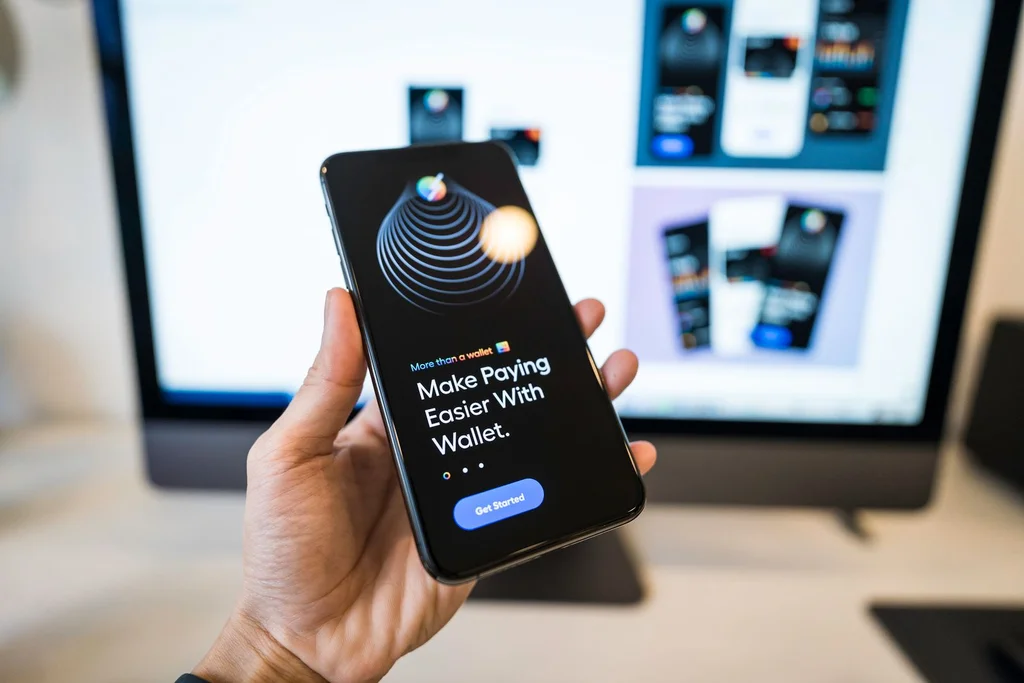
The way to do it is Payit Cash Out. Payit is FAB’s own digital wallet, and its Cash Out feature sends a one-time code to your phone. You type that code into a FAB ATM, and the machine gives you the cash.
Quick answer: Open the Payit app, choose Cash Out, enter an amount up to AED 1,000, and use the SMS code you receive at any FAB ATM. No card and no card PIN are needed. A fee of AED 3.15 applies per withdrawal.
What Is Cardless Cash Withdrawal?
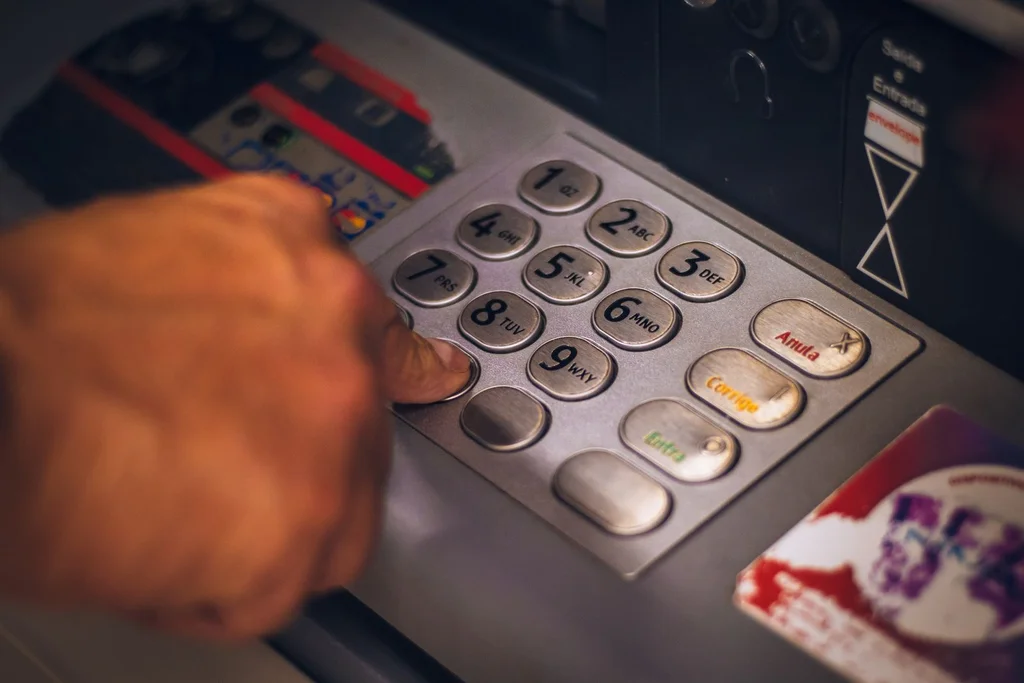
Cardless cash withdrawal means taking cash from an ATM without putting a physical card into the machine. Your phone replaces the card.
With FAB, the phone does two jobs. First, it proves who you are, because you are logged in to the Payit app on your own phone. Second, it delivers the withdrawal code by SMS, which you type into the ATM keypad.
You still need three things: a smartphone with the Payit app, enough money in your Payit wallet, and a FAB ATM nearby. Cash Out works only at FAB ATMs, not at other banks’ machines.
You do not need your debit card, your credit card, or your card PIN. That is the whole point — the card stays out of the picture.
How to Withdraw Cash Without Your FAB Card
This is the Payit Cash Out method, as described on payit.ae. Do the app steps while you are at the ATM, so the SMS code does not expire before you use it.
- Open the Payit app on your phone and log in. Payit is FAB’s digital wallet. If you do not have it yet, download it and set it up first — you cannot do this part at the ATM.
- Make sure your Payit wallet has enough money. You can load funds through the app using a linked debit card, by bank transfer from your nominated bank account, or through the FAB Mobile app if you hold a FAB account.
- Go to a FAB ATM. Cash Out works only at FAB machines, so check that the ATM belongs to FAB before you start.
- In the Payit app, tap the blue button and choose Cash Out, then choose Cash at ATM.
- Enter the amount you want. It must be in multiples of AED 100, and no more than AED 1,000 in one withdrawal.
- Payit sends you an SMS code. Enter that code on the ATM keypad and collect your cash.
That is all there is to it. The ATM never asks for your card, and you never need to remember a card PIN, because the SMS code takes its place.
If your Payit wallet is empty, top it up before you go to the ATM. If you are a Ratibi cardholder, you can register in Payit as a Ratibi Cardholder and use the same Cash Out feature.
Limits and Fees

Cardless withdrawal has lower limits than a normal card withdrawal. That is normal — the SMS code method is meant for everyday cash needs, not large amounts.
| Item | Payit Cash Out |
|---|---|
| Per withdrawal | Up to AED 1,000 |
| Amount steps | Multiples of AED 100 |
| Monthly limit | AED 25,000 |
| Fee | AED 3.15 per withdrawal |
| Where it works | FAB ATMs only |
The AED 1,000 limit is per withdrawal, so if you need AED 2,000, you would need two separate Cash Out withdrawals — and you would pay the fee twice. For larger amounts, use your card at the ATM or visit a branch instead.
The fee is small, but it is real. A normal withdrawal with your FAB card at a FAB ATM is free, while Cash Out costs AED 3.15 each time. Payit itself has no minimum balance requirement and no annual fee, according to its Key Facts Statement.
Can I Use the FAB Mobile App Instead?
Some UAE guides report that the FAB Mobile app also offers a cardless withdrawal option at FAB ATMs. FAB’s own pages do not describe such a feature or its limit, so treat this as unconfirmed.
If you see a cardless option inside your FAB Mobile app, follow the steps it shows. If you do not see one, do not assume it is hidden — use Payit Cash Out instead, which is the method FAB documents.
Before relying on the app method, check the app yourself or call FAB customer care on 600 52 5500 from inside the UAE, or +971 2 681 1511 from outside the UAE, and ask whether cardless withdrawal is available in the FAB Mobile app.
No Card and No App?
If you have neither your card nor the Payit app, you still have options. None of them is instant, so set Payit up before you need it.
First, Payit Cash Out can also send money to a bank account instead of an ATM. In the app, choose Cash Out, then Bank Transfer, enter the account details, and confirm with your Payit PIN. That moves the money to your account without any card.
Second, visit a FAB branch with your Emirates ID and ask the staff what they can do for you. Bring your ID and your account number if you know it. Our how to check your FAB account number guide shows where to find it.
Third, if your card is lost or stolen, block it first. Account cards can be blocked in the FAB Mobile app. If it is a Ratibi card, see our what to do if your Ratibi card is blocked guide. Then call FAB on 600 52 5500 to ask about a replacement card.
Do not let anyone “help” you at the ATM by taking your phone or entering codes for you. If someone offers to withdraw cash for you, walk away.
Stay Safe When Withdrawing Without a Card
Cardless withdrawal is safe when you follow the same rules as any other ATM visit. The code on your phone is as sensitive as a PIN.
- Never share the SMS code with anyone, and never read it out loud at the ATM.
- FAB never asks for your PIN, OTP or password by phone, SMS, email or WhatsApp. Anyone who asks is trying to scam you.
- Only use Cash Out at a real FAB ATM. If the machine looks tampered with, or something is stuck to the card slot or keypad, use a different ATM.
- Check your balance before you withdraw, so you know the money is there. Our FAB bank balance check guide shows every way to check, including the app, online banking, ATM and phone.
- Count the cash at the machine and put it away before you walk off.
- If you suspect fraud, report it to FAB at atyourservice@bankfab.com or call 600 52 5500.
Cardless withdrawal is a backup for the day your card is not with you. It is not a reason to stop carrying your card. Set up Payit now, while you are at home, so the option is ready when you need it.
Frequently Asked Questions
This is an independent informational guide. We are not affiliated with, endorsed by, or connected to First Abu Dhabi Bank (FAB). Always confirm balances, fees and procedures through FAB’s official channels at bankfab.com or by calling 600 52 5500.