
FAB Balance Check by Account Number — Check Balance With Your Account Number (2026)
Your FAB account number is the key to almost every balance check — but it is not a balance-check method on its own. No website lets you type in an account number and see a balance without logging in. What the number does is identify your account inside the methods that do work: the app, online banking, SMS and phone banking all use it to know which account you are asking about.
Quick answer: The fastest way to check your FAB balance by account number is the FAB Mobile app or Personal Online Banking at bankfab.com — your balance appears as soon as you log in. Without internet, text BAL plus the last four digits of your account number to 2121, or call customer care on 600 52 5500 in the UAE (or +971 2 681 1511 from abroad) and give your account number to the agent.
Where to Find Your FAB Account Number
Before you can use any method below, you need the number itself. It is printed and shown in three places you already have access to:
- FAB Mobile app: open the app, log in, and open your account — the account number is shown in the account details.
- Personal Online Banking: sign in at bankfab.com and open the Accounts view — the number is listed with the account.
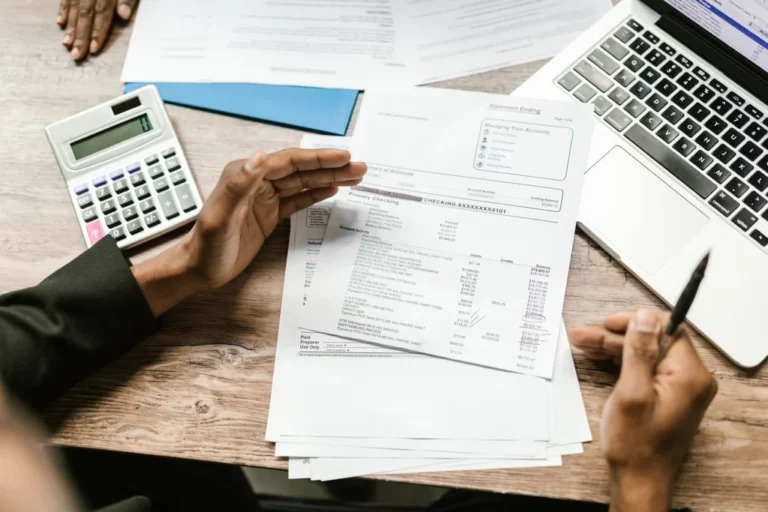
- Your bank statement: every FAB statement shows the account number at the top, next to the statement period. Our FAB bank statement guide explains how to download one from the app or online banking.
Do not confuse the account number with the card number. The card number is the long number printed on your debit or credit card. The account number is the number of the bank account itself. For a Ratibi or other prepaid salary card there is no account number at all — the card is a prepaid product with no bank account behind it, so the methods in this guide that need an account number do not apply to it. See our Ratibi card balance check guide for the prepaid side.
Methods at a Glance
| Method | What you need | Internet needed? |
|---|---|---|
| FAB Mobile App | App login — your account is linked automatically | Yes |
| Personal Online Banking | Online banking login at bankfab.com | Yes |
| SMS to 2121 | BAL plus the last four digits of your account number, sent from your registered mobile number | No |
| Phone Banking | Call 600 52 5500 and pass identity verification | No |
| ATM | Your FAB card and PIN — the account number is not used | No |
Method 1 — FAB Mobile App
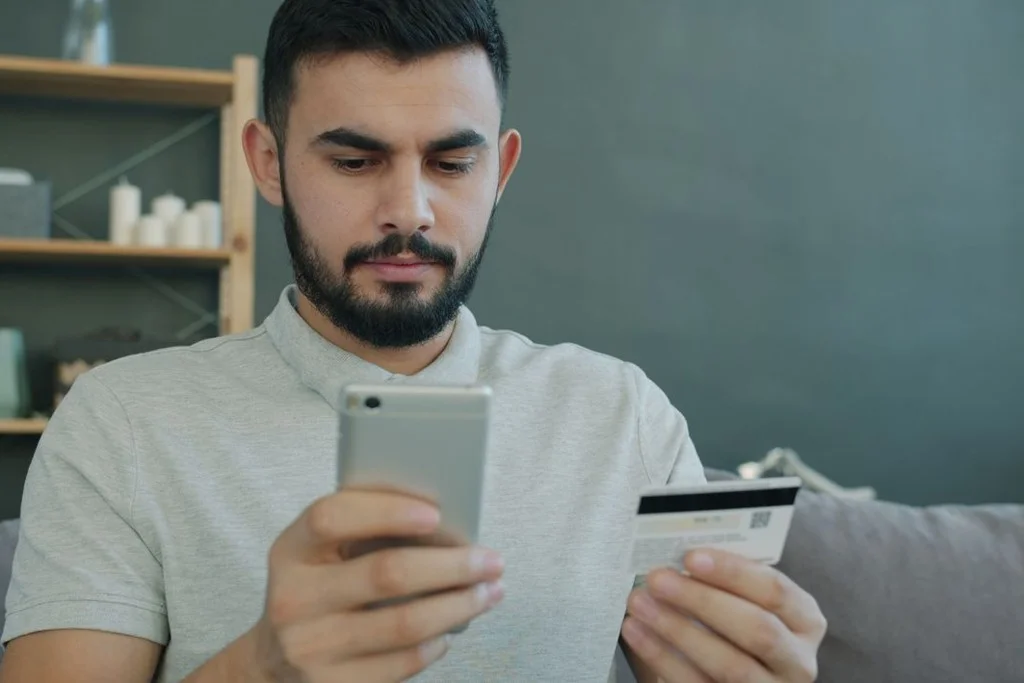
The app is the fastest way to check a balance by account number, because the number is already tied to your login — you never have to type it in.
- Open the FAB Mobile app on your phone. It is available on the App Store, Google Play and Huawei AppGallery — download it from your phone’s official store only.
- Log in with your credentials, or with biometric login by fingerprint or face.
- Your balance appears on the home screen as soon as you sign in.
- To check the account number itself, open the account from the home screen and look at the account details — the number is listed there.
- Recent transactions appear below the balance with logos, categories and smart filters, so you can see what the money was spent on.
If you hold more than one FAB account, each one is listed separately with its own number and balance — check that you are looking at the right one before you act on the figure.
Method 2 — Personal Online Banking
Online banking is the same check on a computer, with the added benefit of full statements and transaction history. It suits anyone who wants more detail than a single balance figure.
- Type bankfab.com yourself in your browser — never follow a link from an SMS or email to reach your bank.
- Open Personal Online Banking and log in. The portal host is online.bankfab.com.
- Open the Accounts view. Your accounts are listed with their numbers and balances.
- Open an account to see its transaction history and statements.
If you enter the wrong password three times, your online banking account locks. Only customer care can unlock it after verification, so call 600 52 5500 instead of guessing again. Never share your online banking password or any OTP with anyone — FAB never asks for them by phone, SMS, email or WhatsApp. Our FAB online banking guide covers the login steps in full.
Method 3 — SMS to 2121
SMS is the balance check for a basic phone, or for a moment with no internet. It uses the last four digits of your account number — the full number never travels by text.
- Open a new text message on the mobile number you gave FAB when you opened the account, so the bank can match the request to you.
- Type
BAL, a space, and the last four digits of your account number. For example, if the last four digits are 1234, textBAL 1234. - Send the message to 2121.
- FAB replies by SMS with your balance.
The short code 2121 is confirmed on bankfab.com — FAB’s official Rewards FAQ uses the same short code for SMS services — and the BAL format is the one used across many independent UAE banking guides. Keep the reply message: it is a quick record of your balance at that moment, though the app or online banking shows more detail.
If no reply arrives, wait a few minutes first — SMS delivery can be slow when the network is busy. Then check that you sent the message to 2121, typed BAL followed by a space and the last four digits, and sent it from the mobile number registered with FAB. A different SIM will not match your account. If there is still no reply, call FAB on 600 52 5500 and ask them to check that SMS banking is active on your account. Our FAB balance check by SMS guide covers the SMS method in full.
Method 4 — Phone Banking
A phone call is the method to use when the screen methods fail, or when you want a person to talk through the figure with you. Your account number is what the agent uses to find your account.
- Call 600 52 5500 from inside the UAE, or +971 2 681 1511 from outside the UAE. These are the customer care numbers published on bankfab.com.
- Follow the voice prompts, or ask to speak to an agent for a balance check.
- Give your account number when asked, and verify your identity — have your Emirates ID nearby before you dial, so the call does not stall.
- Ask for the balance on the account you named. If the figure surprises you, ask the agent to walk through the recent activity with you while you are still on the call.
Do not read out your PIN, your online banking password or any OTP on the call — a real FAB agent never asks for them. If anyone on a call asks for your PIN or OTP, hang up: that is not the bank. Our FAB balance check by phone guide covers the call in full.
Method 5 — ATM (Card Needed, Not the Account Number)
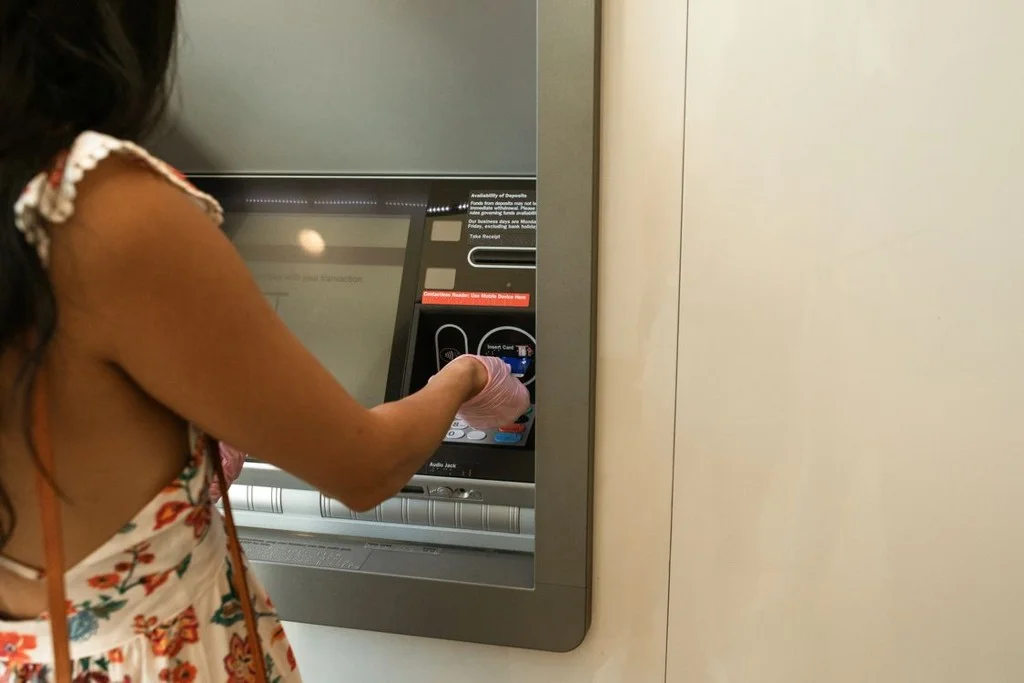
An ATM cannot check a balance from an account number alone. It needs the card and the PIN — the account number plays no part at the machine.
- Insert your FAB debit card, credit card or Ratibi prepaid card into the ATM.
- Enter your 4-digit PIN on the keypad. Cover the keypad with your other hand while you type.
- On the main menu, select Balance Inquiry.
- The ATM shows your available balance on the screen. Choose a printed receipt if you want a paper record, or select Mini-Statement to see your recent transactions as well.
- Take your card back before you leave, and wait for the home screen to appear before walking away.
Balance enquiries at FAB ATMs are free. At another UAE bank’s ATM, a balance enquiry costs AED 1 per transaction under FAB’s official schedule of charges, and AED 3 at an ATM in another GCC country. If you have the card with you, the ATM is the fastest offline check there is — but if you only have the account number and no card, use the SMS or phone method instead. Our FAB balance check at ATM guide covers the ATM steps, fees and safety tips.
What an Account Number Cannot Do
Knowing your account number is useful, but it has hard limits. These are the mistakes people make with it:
- It cannot check a balance on its own. There is no public FAB page where you type an account number and get a balance. Any website or message offering that is a scam — a real check always needs a login, a registered mobile number, a card with PIN, or an agent verifying your identity.
- It cannot check a Ratibi or prepaid salary card. Prepaid cards have no account number. Their balance is checked on the prepaid card portal at ppc.bankfab.com or ppc.magnati.com, at a FAB ATM, or in the Payit app as a “Ratibi Cardholder”. The Magnati portal asks for the last four digits of the card number, the Card ID and a CAPTCHA. The Card ID is a separate reference number printed on the card or its welcome-envelope carrier — it is NOT the card number. Never enter your PIN, OTP or CVV on any balance-check page.
- It cannot replace your login. If you have forgotten your online banking password, the account number will not get you in. After three unsuccessful login attempts the account locks, and only customer care on 600 52 5500 can unlock it after verification.
- It is not secret, but it is not harmless either. An account number on its own cannot move money, but do not post it publicly or send it to strangers. Give it only to the bank — in the app, on bankfab.com, to 2121 by SMS, or to an agent on 600 52 5500.
If the Balance Looks Wrong
A balance check by account number can still show a figure you did not expect. Work through these in order:
- Check you looked at the right account. A salary account, a savings account and a credit card each have their own number and their own balance. In the app or online banking, confirm the account number matches the account you meant.
- Check pending transactions. The figure shown is your available balance, which is lower than the current balance while card payments are pending. Our balance enquiry guide explains the difference, and a mini-statement at an ATM shows the recent transactions behind the figure — see our FAB mini statement guide.
- Check whether your salary has arrived. Under the UAE Wage Protection System, wages for a month fall due on the 1st day of the following Gregorian month, and payment after the 1st counts as delayed. If the money is not there, the cause is usually your employer’s payroll, not the bank — our salary not received guide covers what to do next.
- Still wrong? Call the bank. Call 600 52 5500 with your account number ready and ask the agent to walk through the recent activity. If a transaction looks wrong, report it on the same call, or email FAB at atyourservice@bankfab.com — the address FAB publishes on its official fraud and security page.
Related Guides
Frequently Asked Questions
This is an independent informational guide. We are not affiliated with, endorsed by, or connected to First Abu Dhabi Bank (FAB). Always confirm balances, fees and procedures through FAB’s official channels at bankfab.com or by calling 600 52 5500.