FAB Balance Check at ATM — Steps, Fees & Mini Statement
Checking your First Abu Dhabi Bank (FAB) balance at an ATM is the simplest offline method. You need no smartphone, no internet connection and no app. If you have your FAB card and your PIN, any ATM in the UAE can show your balance in under a minute.
This guide covers the exact steps, what it costs at FAB and non-FAB ATMs, how to get a mini-statement, and what to do when the ATM does not show your balance. FAB was formed in April 2017 when First Gulf Bank and National Bank of Abu Dhabi (NBAD) merged, so old NBAD cards now work as FAB cards at FAB ATMs.
Quick answer: Any FAB ATM is free. Any other UAE bank’s ATM costs AED 1 per enquiry. You need your card + PIN.
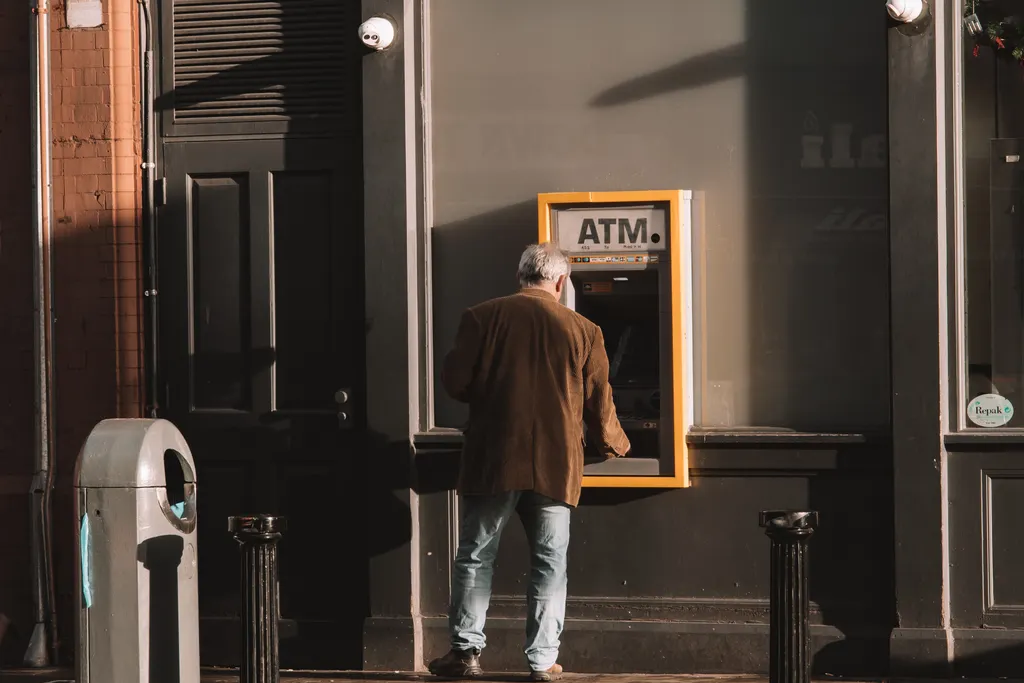
How to Check Your FAB Balance at an ATM
FAB ATM: free. Other UAE bank ATM: AED 1 per balance enquiry.
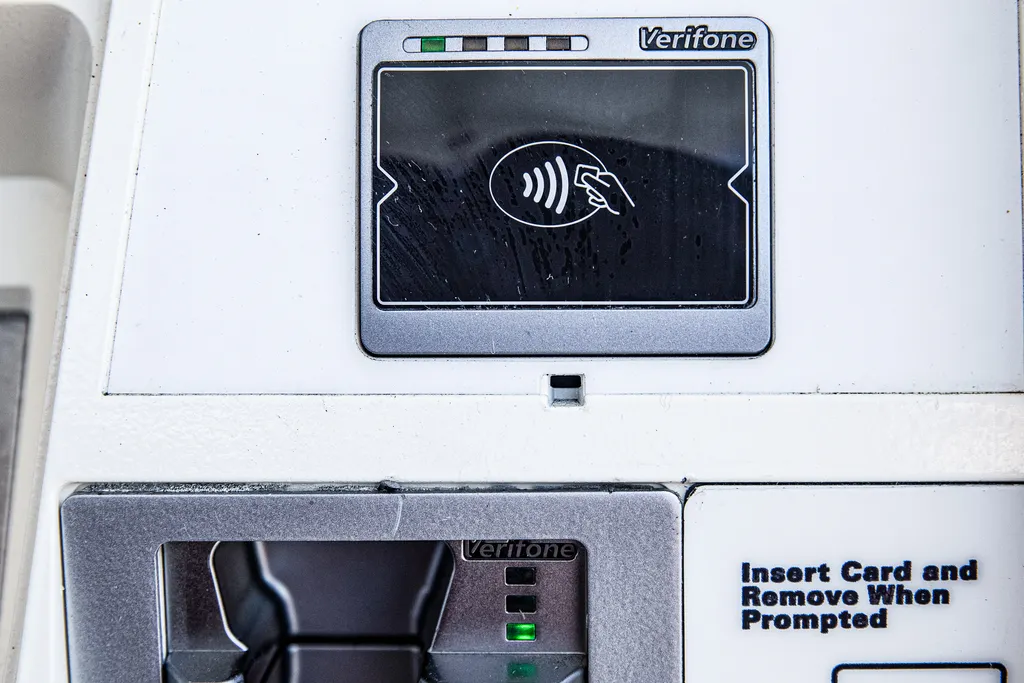
Follow these steps at any FAB ATM or any other UAE bank’s ATM:
- Insert your FAB debit card, credit card or Ratibi prepaid card into the ATM.
- Enter your 4-digit PIN on the keypad. Cover the keypad with your other hand while you type.
- On the main menu, select Balance Inquiry (it may also be labelled Balance Enquiry).
- The ATM shows your available balance on the screen. Choose a printed receipt if you want a paper record.
- Select Mini-Statement instead if you want to see your recent transactions as well.
- Take your card back before you leave. Wait for the home screen to appear before walking away, so the next person cannot access your session.
The whole check takes less than a minute. If you only need the balance and not a receipt, choose the on-screen option — it is faster and leaves no paper behind for anyone else to find.
What You Need
You need two things: your FAB card and its PIN. The ATM cannot show your balance without the card, and it will not proceed without the correct PIN. If you have forgotten your PIN, do not keep guessing at the ATM — call FAB on 600 52 5500 in the UAE, or +971 2 681 1511 from outside the UAE, and ask how to reset it.
For a Ratibi or other prepaid salary card, the same steps apply. Your salary balance is stored on the card, and the ATM reads it directly. If you would rather check online, see our Ratibi card balance check guide, which explains the PPC portal. Regular account holders can also use the FAB bank balance check guide for the app and online banking methods.
How Much Does an ATM Balance Check Cost?
Balance enquiries at FAB ATMs are free. There is no charge for checking your balance at a FAB machine, however often you check it.
At another UAE bank’s ATM, a balance enquiry costs AED 1 per transaction under FAB’s official schedule of charges. At an ATM in another GCC country, the same enquiry costs AED 3. These are the official FAB figures — older guides that quote AED 1–2 or AED 1–5 for an enquiry are out of date.
In practice, the cheapest habit is simple: use a FAB ATM when one is nearby, and use any ATM when you are in a hurry — AED 1 is a small price for an instant answer. The fee, where it applies, is taken from your account, so the balance shown afterwards already reflects it.
What Is a Mini-Statement?
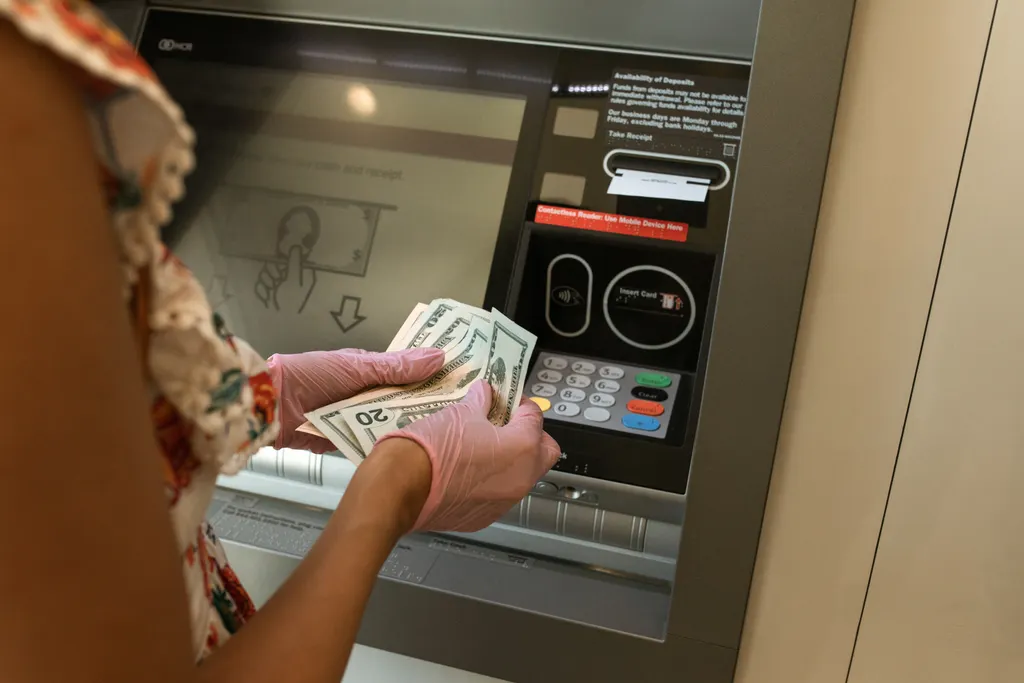
A mini-statement is a short list of your most recent transactions, printed by the ATM or shown on screen. It usually covers your last few transactions — enough to spot a salary credit, a card payment or a fee you did not expect.
Use a mini-statement when your balance looks lower than you expected. Compare the transactions against what you remember spending. If a transaction looks wrong, note the date and amount, then check the same transactions in the FAB Mobile app or online banking, where you can see more detail. Our balance enquiry guide explains the difference between your available balance and your ledger balance, which is the most common reason a balance looks wrong at first glance.
Checking a Ratibi Card Balance at an ATM
Ratibi is a FAB prepaid salary card issued through employers under the UAE Wage Protection System (WPS). It is built for workers earning up to AED 5,000 per month, and it has no bank account behind it — so the ATM check works exactly the same way, but the app and online banking may not show the card balance.
Insert the Ratibi card, enter the PIN, and select Balance Inquiry. The ATM shows the balance loaded on the card. The same AED 1 fee applies at non-FAB UAE ATMs, and FAB ATMs are free. If the ATM says the balance is zero but your employer says the salary was sent, check the PPC portal as well — see our Ratibi card balance check guide — and then call FAB on 600 52 5500. Under WPS rules, your salary for a month is due on the 1st of the following month, so a salary that has not arrived by the 1st is late.
ATM vs App vs Online Banking
Each method suits a different moment:
|
Method |
Best for |
What you need |
|---|---|---|
|
ATM |
Out, no internet, cash also needed |
Card + PIN |
|
App |
Fastest on phone |
App + login |
|
Online banking |
Computer, statements |
bankfab.com login |
|
SMS |
No internet / basic phone |
BAL to 2121 |
If you are abroad, the app and online banking are the practical options. ATMs outside the UAE and GCC may not accept the card for a balance enquiry, and international ATM fees are different — check with FAB on +971 2 681 1511 before you travel.
Stay Safe at the ATM

- Cover the keypad every time you enter your PIN, even if nobody seems to be standing behind you.
- Never let anyone “help” you at the ATM. If a stranger offers help, cancel the transaction, take your card and leave.
- Never write your PIN on the card or keep it in your wallet with the card.
- If the ATM keeps your card, do not leave. Note the ATM location and machine number, then call FAB on 600 52 5500 immediately.
- FAB never asks for your PIN, OTP or password by phone, SMS, email or WhatsApp. Anyone who asks is a scammer. Report fraud to FAB on 600 52 5500 or by email at atyourservice@bankfab.com — the address FAB publishes on its official fraud and security page.
- FAB does not offer balance checks on WhatsApp. In 2026 the Central Bank of the UAE directed all UAE banks to stop using WhatsApp for customer communication and financial services, so any WhatsApp message offering a balance check is fake.
Troubleshooting
The ATM says “unable to process” or shows no balance. Try a FAB ATM instead of another bank’s machine. If the problem continues, your card may be blocked or expired — call 600 52 5500. See also our guide on what to do if your Ratibi card is blocked.
You entered the wrong PIN. The ATM will let you try again, but repeated wrong attempts can block the card. If you are unsure of the PIN, stop and call FAB instead of guessing a third time.
The balance shown is lower than expected. Check the mini-statement first. Pending card payments and holds reduce your available balance before they appear as completed transactions. If nothing explains the difference, check the app or online banking for the full transaction list, and call 600 52 5500 if a transaction still looks wrong. Our guide on why your FAB balance looks wrong walks through the checks step by step.
The ATM is out of service. Use another ATM nearby, or switch to the app, SMS or phone banking. Phone banking is available on 600 52 5500 in the UAE.
Check your FAB balance the right way
Use the method that fits your product — app or online banking for accounts, PPC portal or ATM for Ratibi and prepaid cards.
FAB ATM Balance Check for Salary Cards and Lulu Cards
The same FAB ATM balance check works for salary cards. Insert a Ratibi or other FAB prepaid salary card, enter the PIN and choose Balance Inquiry — the screen shows what is loaded on the card.
LuLu Exchange salary cards are checked at Emirates NBD, Emirates Islamic and Mashreq ATMs in the UAE, as well as in the LuLu Money app. The Lulu salary check guide lists every route. For the full picture, go back to the FAB balance check pillar guide.
Frequently Asked Questions
Yes. LuLu salary cards work at Emirates NBD, Emirates Islamic and Mashreq ATMs in the UAE — insert the card, enter your PIN and choose Balance Inquiry. You can also check free in the LuLu Money app.
This is an independent informational guide. We are not affiliated with, endorsed by, or connected to First Abu Dhabi Bank (FAB). Always confirm balances, fees and procedures through FAB’s official channels at bankfab.com or by calling 600 52 5500.