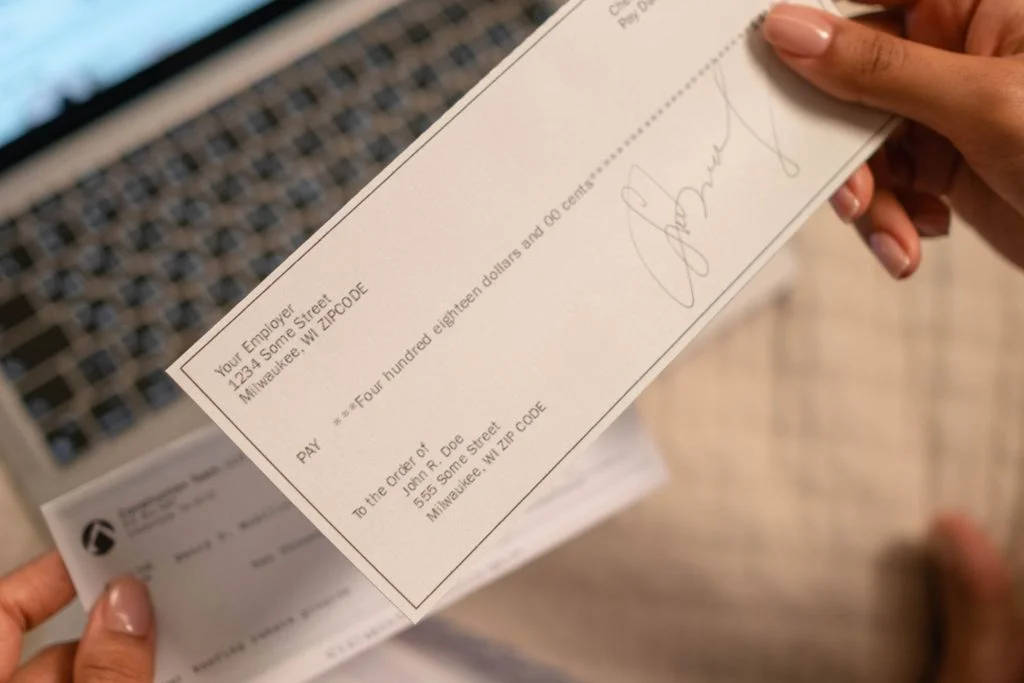
FAB Cheque Book Request — How to Request a Cheque Book from FAB (2026
Who Can Request a FAB Cheque Book?
A cheque book is issued on an account that carries a cheque facility, which in practice means a FAB current account. If you hold a FAB Personal Current Account, you can request a cheque book against it.
Some other account types may also carry the option — the simplest check is to open the request screen in the app or online banking and see whether your account appears in the list.
Your account must be active, and the delivery address FAB has on file must be current, because the book is sent to your registered address.
If you moved recently and never updated your address with the bank, update it first, or the courier will go to the wrong place. You can check and update your details in the app or at a branch.
One more point: a cheque book is not a balance-check tool, and it is not linked to a card. It draws on the account it is issued against, so keep enough balance in that account for every cheque you write.
Our FAB bank balance check guide shows how to confirm the balance before you write a cheque.
FAB Cheque Book Request Methods at a Glance
| Method | Where | Best for |
|---|---|---|
| FAB Mobile app | Service Requests in the app | Fastest — request from your phone |
| FAB Online Banking | Service Requests at bankfab.com | Request from a computer |
| Phone banking | Call 600 52 5500 (UAE) | No internet access |
| FAB branch | Any branch counter | First book, or if the online option is missing |
All four routes end with the same result: a cheque book issued against your account and delivered to your registered address. The app and online banking routes are the quickest, because the request is raised and tracked in the same place.
Method 1 — Request a Cheque Book in the FAB Mobile App
This is the fastest route, and it is the one most customers should use. The FAB Mobile app is available on the App Store, Google Play and Huawei AppGallery.
- Open the FAB Mobile app and log in with your username and password, or with fingerprint or face ID.
- Open the menu and go to Service Requests (or the Requests section).
- Choose Cheque Book Request.
- Select the account the cheque book is for.
- Select the cheque book size (the number of leaves per book) from the drop-down list.
- Select the number of cheque books you want.
- Review the details and submit. You will get a confirmation with a reference number — keep it, because it is what you quote if you need to follow up.
App menus change with updates, so follow the labels on your own screen rather than a fixed menu path. If the Cheque Book Request option does not appear for your account, it usually means that account does not carry a cheque facility — check with FAB before assuming something is broken.
Method 2 — Request a Cheque Book in FAB Online Banking
If you prefer a computer, the same request is available through Personal Online Banking at bankfab.com. FAB’s own online banking portal has a dedicated Cheque Book Request screen, and it works the same way as the app.
- Go to bankfab.com and log in to Personal Online Banking.
- Open Service Requests and choose Cheque Book Request.
- Select the account for the cheque book.
- Select the cheque book size from the drop-down list.
- Select the number of cheque books.
- Review and submit, then save the reference number shown on the confirmation screen.
Never log in through a link in an SMS or email. Type bankfab.com yourself, and never share your PIN, OTP or password with anyone who calls claiming to raise the request for you — FAB never asks for those by phone, SMS, email or WhatsApp.
Our FAB online banking guide covers the login and the service-request options in detail.
Method 3 — Request a Cheque Book by Phone
If you have no internet access, phone banking works too. Call FAB customer care on 600 52 5500 from inside the UAE, or +971 2 681 1511 from outside the UAE.
Ask the agent to raise a cheque book request on your account, confirm the account and the delivery address, and ask for the reference number before you hang up.
The agent will verify your identity first, so have your account details and Emirates ID ready. Phone requests take a little longer than the app, because the agent enters the same details for you — but the book, the fee and the delivery work exactly the same way.
Method 4 — Request at a FAB Branch
Visit any FAB branch with your Emirates ID and ask at the counter for a cheque book request.
This is the right route if the online option does not appear for your account, if you need the first cheque book on a new account, or if you would rather have a person confirm the details with you.
The branch fills in the same request — account, book size, number of books — and the book is delivered to your registered address.
Bring your Emirates ID, because the branch will verify your identity before raising the request. If your registered address has changed, update it at the counter at the same time, so the courier delivers to the right place.
What You Need Before You Request
A cheque book request needs very little, but getting these three things right first saves a failed delivery.
- An active FAB current account with a cheque facility. Savings-only accounts may not show the option.
- Your registered address up to date. The book is delivered by courier to the address FAB has on file.
- Enough balance in the account. A cheque book is only useful if the account behind it can cover the cheques you write.

If you are opening a brand-new FAB current account, the first cheque book is part of the account opening — FAB lists the first cheque book as free on its current account pages.
Ask at the branch or in the app whether the book is issued automatically when the account opens, or whether you need to raise a separate request.
FAB Cheque Book Fees
Your first cheque book from FAB is free. That is stated on FAB’s own account pages. Additional books are charged, and the figures below are the ones current third-party guides list for FAB — confirm them in FAB’s schedule of charges on bankfab.com before you pay, because fees change.
| Item | Fee |
|---|---|
| First cheque book | Free |
| Additional cheque book, 10 leaves | AED 21.00 (as reported) |
| Additional cheque book, 25 leaves | AED 26.25 (as reported) |
| Manager’s cheque / demand draft | AED 31.50 (as reported) |
A manager’s cheque is a different product — a single cheque the bank itself guarantees, useful when the other side will not accept a personal cheque.
If you only need ordinary cheques, the first book costs you nothing, and a second book costs a small fee. Keep the book safe: a lost or stolen cheque book must be reported to FAB at once so the cheques can be stopped.
Delivery Time and How to Track Your Cheque Book
FAB delivers the cheque book by courier to your registered address, usually within a few working days. The exact timing depends on where you live and on courier schedules, so treat “a few working days” as the guide and allow a little extra time if you live outside the main cities.
You can check the status of your request in FAB Online Banking, which has a Cheque Status Inquiry screen alongside the request screen.
If the book has not arrived after a week, call FAB customer care on 600 52 5500 with your reference number and ask for the delivery status.
If the courier tried to deliver while you were out, the book is usually held for collection or a second delivery attempt — the bank can tell you which.
Problems With a FAB Cheque Book Request
Most requests go through without trouble. If yours does not, the cause is usually one of these.
- The option does not appear in the app. The account you selected may not carry a cheque facility. Try another account, or ask FAB whether your account type qualifies.
- The request is rejected. Check that the account is active and that your details — especially your address and mobile number — are current. An inactive or dormant account cannot take a new cheque book.
- The book never arrives. Confirm the registered address is correct, then call 600 52 5500 with your reference number and ask for the courier status.
- A cheque is lost or the book is stolen. Report it to FAB immediately on 600 52 5500 so the cheques can be stopped before anyone uses them.
If your account itself has gone quiet for a long time, that can also block services on it — our FAB minimum balance guide explains the AED 3,000 minimum on current accounts and the fall-below fee, which is worth knowing before you rely on the account for cheques.
Frequently Asked Questions
This is an independent informational guide. We are not affiliated with, endorsed by, or connected to First Abu Dhabi Bank (FAB). Always confirm balances, fees and procedures through FAB’s official channels at bankfab.com or by calling 600 52 5500.